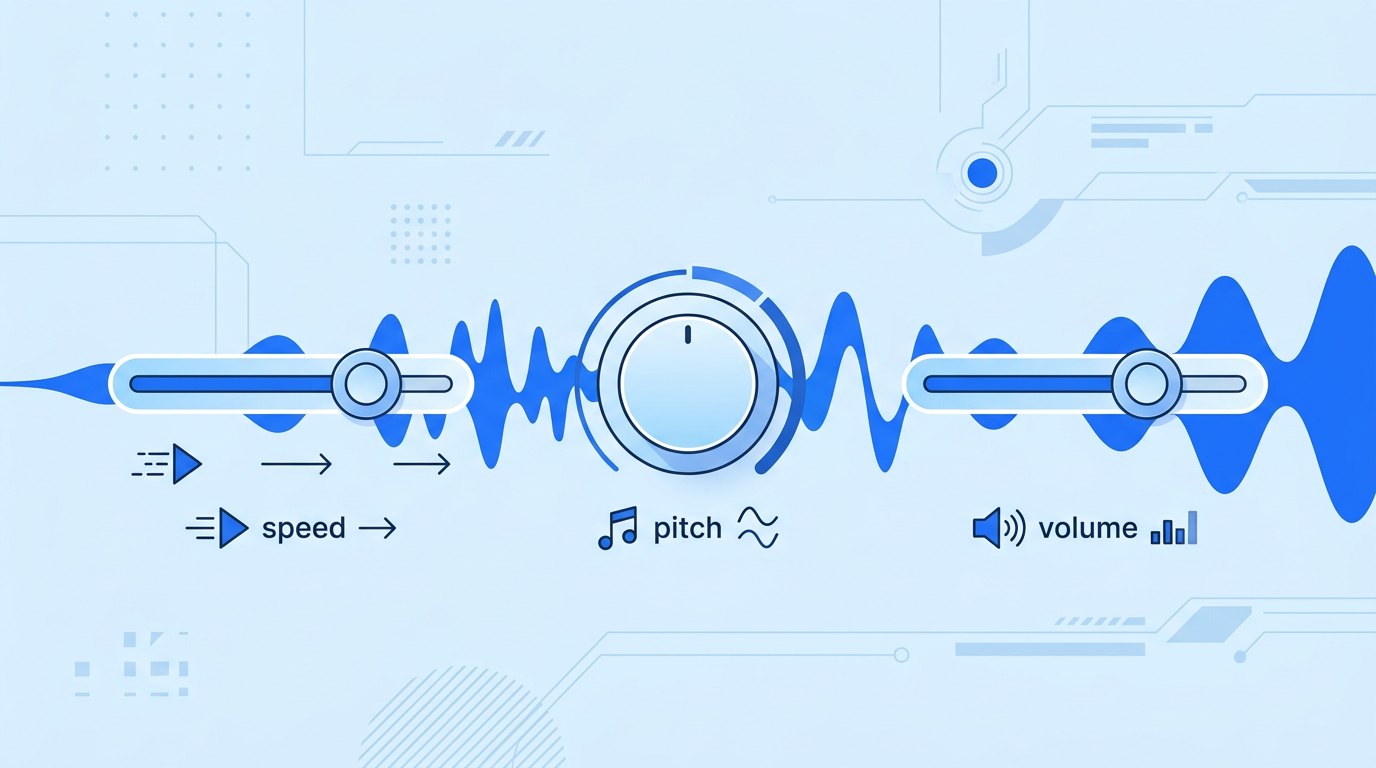
Same text, same voice — yet one output sounds like a professional narrator and the other like an airport announcement. The difference is almost always the settings. Speed, pitch and volume are the three dials that shape how listeners perceive AI speech, and most people never touch them.
This guide explains what each setting actually does to comprehension and feel, walks through the most common mistakes, and gives you ready-to-use parameter recipes for different content types — all testable in minutes on yoyin.art's free TTS tool.
Speed: The Setting That Matters Most
Speaking speed controls how fast words are delivered, and it has a direct, measurable effect on comprehension:
- Too slow (below 0.85x) — listeners lose focus; the voice feels dragged out and condescending.
- The sweet spot (0.9x – 1.1x) — matches natural conversational pace for most content.
- Too fast (above 1.3x) — syllables blur together; comprehension drops sharply for complex material.
The right speed also depends on what you're producing. Here are the ranges that work best in practice:
| Content type | Recommended speed | Why |
|---|---|---|
| News / announcements | 1.0x – 1.1x | Authoritative, steady delivery |
| Tutorials / education | 0.9x – 1.0x | Gives listeners time to absorb steps |
| Storytelling / audiobooks | 0.9x – 1.0x | Builds atmosphere and emotion |
| Short video narration | 1.1x – 1.3x | Keeps pace with fast-cut visuals |
| Promotional content | 1.15x – 1.35x | Energy and urgency drive attention |
💡 Testing method: generate the same 30-second excerpt at three speeds (0.9x, 1.0x, 1.1x) and listen back-to-back. Your ear will pick the winner instantly — speed preference is surprisingly personal.
Pitch: Handle With Care
Pitch shifts how high or low the voice sounds. It's tempting to play with, but it's also the easiest setting to overdo:
- Small adjustments (±10%) can help a voice feel warmer or brighter.
- Large adjustments (±30% or more) make the voice sound cartoonish or distorted — the neural model was trained on natural pitch ranges, and pushing outside them breaks the illusion.
Our practical advice: leave pitch at the default unless you have a specific reason. If a voice feels slightly off for your content, switching to a different voice almost always works better than bending the pitch of the wrong one.
Volume: Normalize, Don't Maximize
Volume seems obvious, but there are two common mistakes:
- Maxing it out — pushes levels into distortion territory on some players, especially when combined with background music.
- Inconsistent levels between clips — if you generate multiple segments with different volume settings, listeners hear jarring jumps at every stitch point.
Keep volume consistent across all segments of a project, and leave headroom (80–90%) so your editing software can balance it against music later.
Pauses and Punctuation: The Hidden Rhythm Controls
Settings aren't the only way to shape delivery — your text itself controls rhythm. TTS engines use punctuation as timing instructions:
- Commas create short pauses — use them to break long thoughts into digestible pieces.
- Full stops create longer pauses — end ideas cleanly instead of chaining sentences with "and".
- Paragraph breaks create the longest pauses — ideal between sections or scenes.
- Ellipses (...) create a trailing, suspenseful pause — useful for storytelling.
If your output sounds like a machine gun, the problem is usually a wall of text with few punctuation marks. Rewriting for rhythm is often more effective than touching any slider. Our article on writing scripts that sound natural when read aloud covers this in depth.
🎛 Experiment Free
Adjust speed, preview instantly, and download — all free on yoyin.art
Try the Settings YourselfParameter Recipes by Content Type
Combining everything above, here are starting recipes you can copy directly:
Recipe 1: Educational tutorial
- Speed 0.95x · default pitch · volume 85%
- Short sentences, comma every 8–12 words, full stops between steps
Recipe 2: Storytelling / narration
- Speed 0.9x · default pitch · volume 85%
- Use ellipses at cliffhangers, paragraph breaks between scenes
Recipe 3: Short video voiceover
- Speed 1.2x · default pitch · volume 90%
- Punchy short sentences; lead every segment with the key point
Recipe 4: Announcement / notification
- Speed 1.05x · default pitch · volume 90%
- Plain declarative sentences, no rhetorical flourishes
Treat these recipes as starting points, not rules. Every voice has its own character — spend two minutes auditioning settings with your own text before committing.
An Iteration Workflow That Works
- Start at defaults — generate once with no changes to establish a baseline.
- Change one dial at a time — speed first, then punctuation, then volume. Changing everything at once tells you nothing about what helped.
- Listen on real playback devices — phone speakers hide problems that headphones reveal and vice versa.
- Save your winning recipe — write down the settings that worked so the next episode of your series sounds identical.
Conclusion
Natural-sounding AI speech is 20% voice selection and 80% tuning. Speed shapes comprehension, pitch should mostly be left alone, volume needs consistency, and punctuation is the rhythm tool everyone forgets. With the recipes above as your starting point, you can go from "robotic" to "professional" in a single afternoon of testing.
Put it into practice on yoyin.art — the speed slider and instant preview make experimentation free and fast. And when your output still has odd mispronunciations after tuning, our guide on fixing AI voice pronunciation has you covered.
Back to Blog